
Build a Web App
Open the detail page and start from this template on the homepage.
You start with a working CRM behind a simple home page with sign-up: a dashboard, company and contact records, a deal board and a task list. Everything you add is saved. It suits anyone who sells to other businesses and wants to follow each relationship from first call to close in one place.
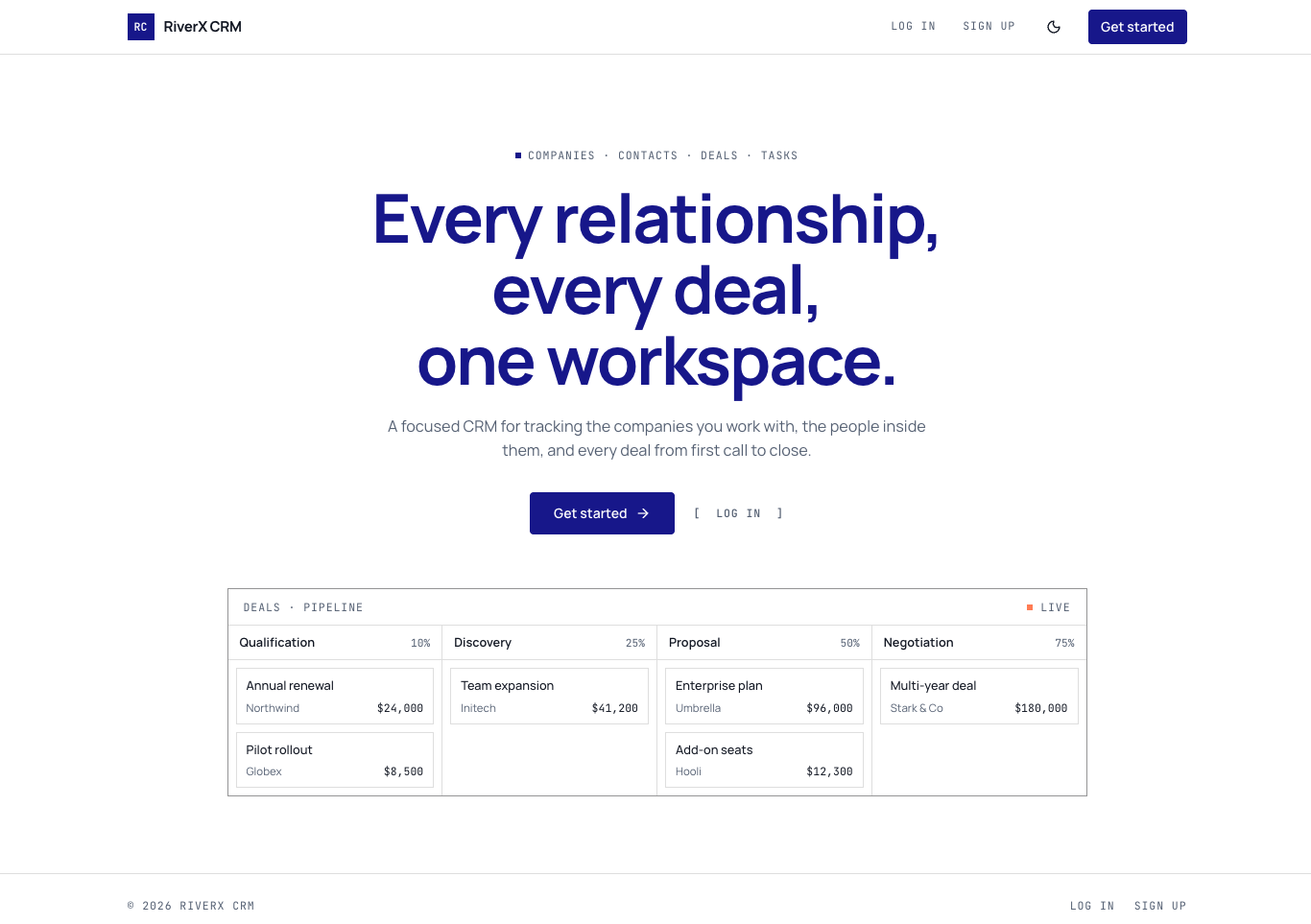
A public home page with sign-up and log-in, then a signed-in workspace. The Dashboard shows open and weighted pipeline, deals won this month, a pipeline by stage chart, upcoming tasks and recent activity. Companies and Contacts each have a searchable, filterable list and a detail page with linked deals and a timeline. Deals has a board you drag between stages and a list view. Tasks shows open, overdue and completed follow-ups, and Settings lists your stages and statuses.
Agencies, consultants and small sales teams that sell to other businesses and want every open deal in one place. It also fits founders tracking investors or partners, since Companies, Contacts and Deals can be renamed to Accounts, People or Opportunities. It is not a fit for selling directly to shoppers: there is no store, no checkout and no sending of emails, only a place to log them.
Most people start by asking for their own pipeline stages, such as "rename Discovery to Demo booked and add a Contract sent stage". Next they change the lists to match their market: industries, company sizes and contact statuses. You can also ask to rename Deals to Opportunities, switch the currency, add a field like lead source to contacts, or change the home page headline to describe your business.
Open the detail page and start from this template on the homepage.
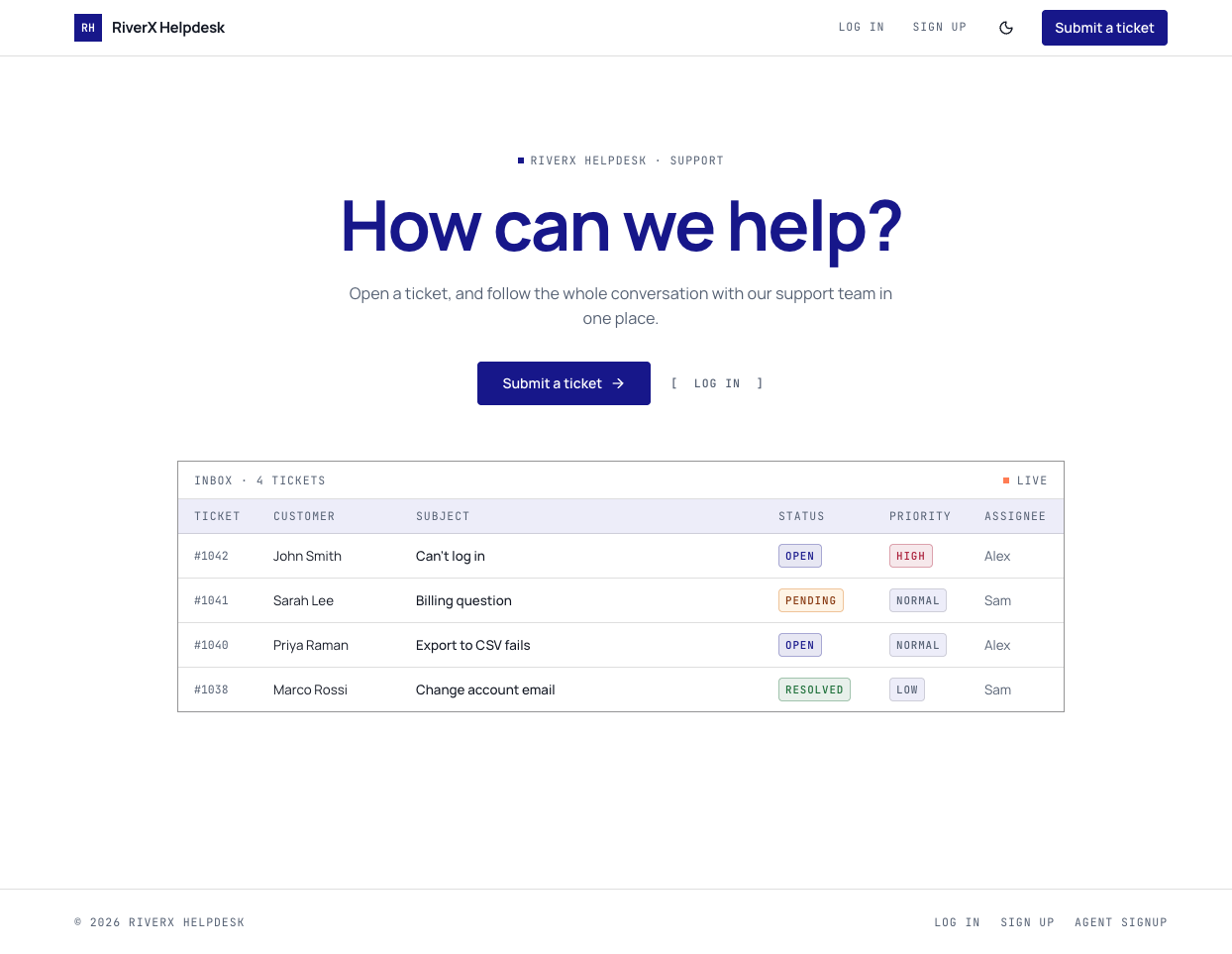
A support helpdesk with a customer portal for opening tickets, a shared team inbox for replies, and internal notes customers never see.
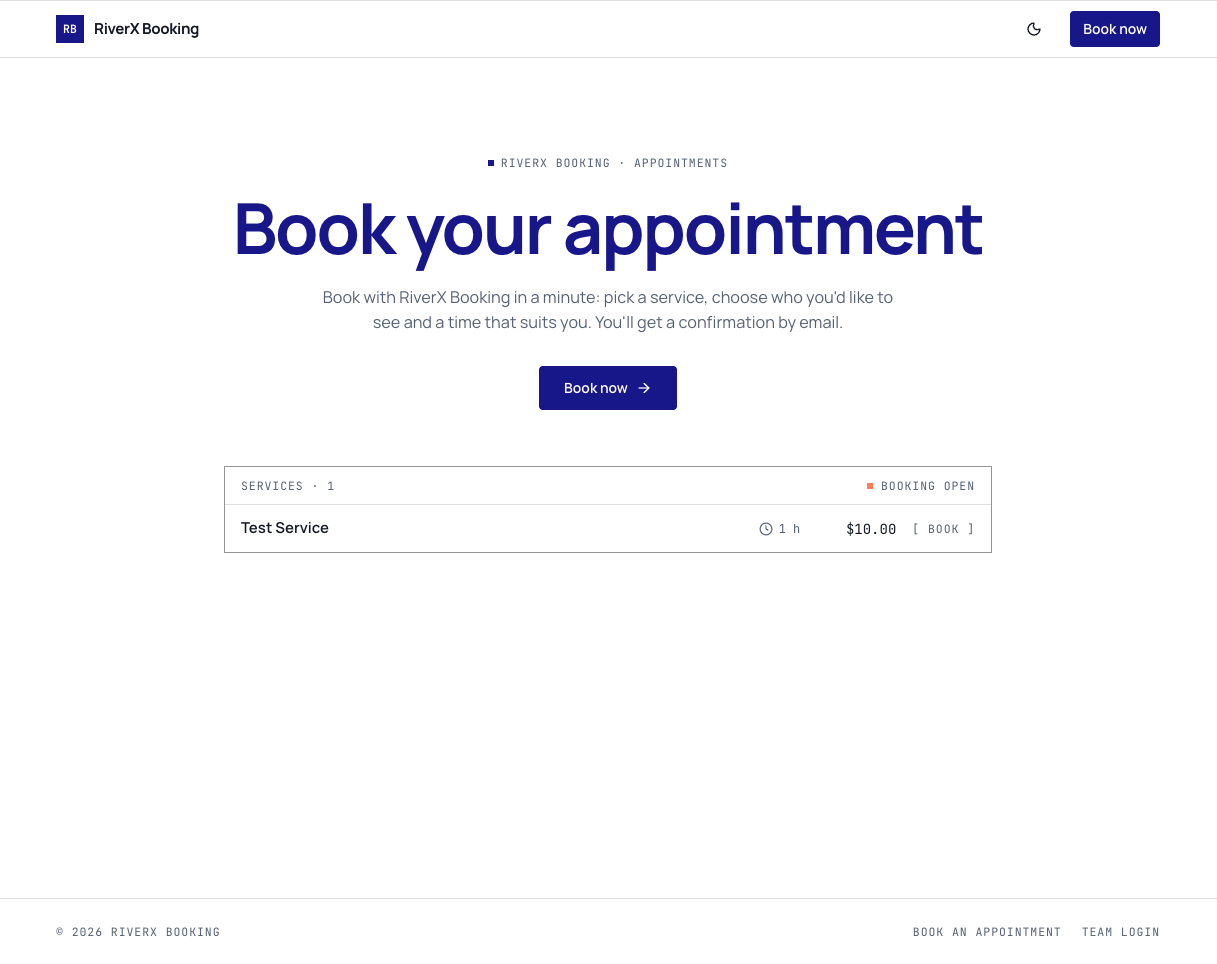
Appointment booking app where customers pick a service, a staff member, a date and a time, with a confirmation email and a dashboard to run it all.
Open it in the editor, describe your changes in plain English, and publish when it looks right.