
Build a Web App
Open the detail page and start from this template on the homepage.
You start with a working support desk: a public page where customers submit a ticket, a portal where they follow the conversation, and a team side where agents reply and track every request. It suits any product or service that answers customer questions by message and wants each one kept on record until it is resolved.
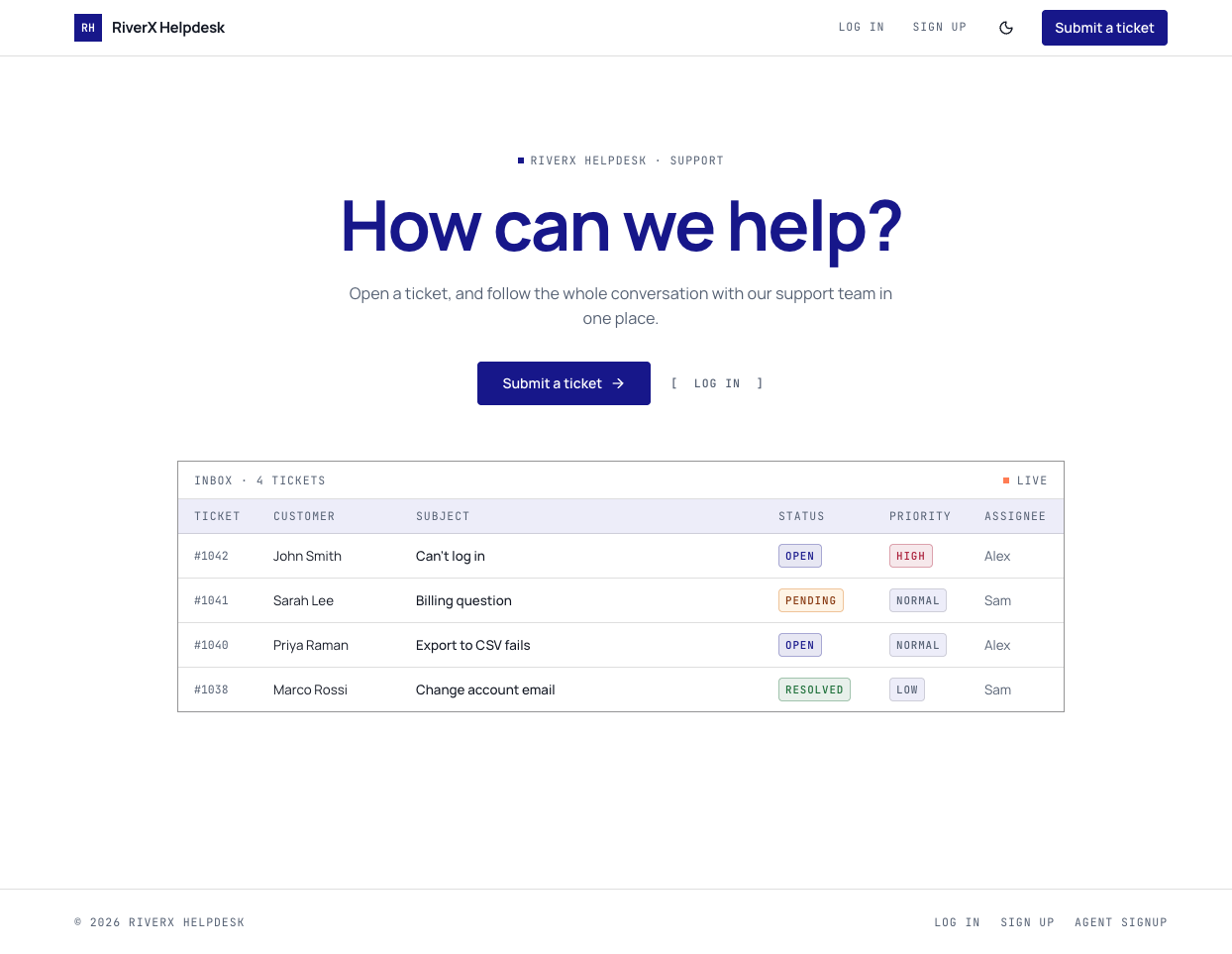
A public support page with a Submit a ticket button, plus log in, sign up, team sign up and password reset pages. Your team gets an Inbox of open and pending tickets, an All tickets list with search and filters, a ticket page with status, priority, assignee, replies and internal notes, a Customers list, and Settings for your company name, logo and welcome message. Customers get a dashboard with ticket counts and two charts, their own ticket list, a new ticket form and profile settings.
Small software products that want customers to report problems in one place instead of scattered emails. Service businesses, such as agencies or repair shops, that want a record of every customer request and who is handling it. Clubs and member groups that take questions from members. It is not a live chat tool: conversations happen as ticket replies, not instant messages on your site.
Most people start by setting their company name, logo and portal welcome message in Settings. From there, ask in chat to rename the ticket statuses and priorities to match how your team works, add a category or product field to the new ticket form, change the wording on the public support page, or add a page of answers to common questions.
Open the detail page and start from this template on the homepage.
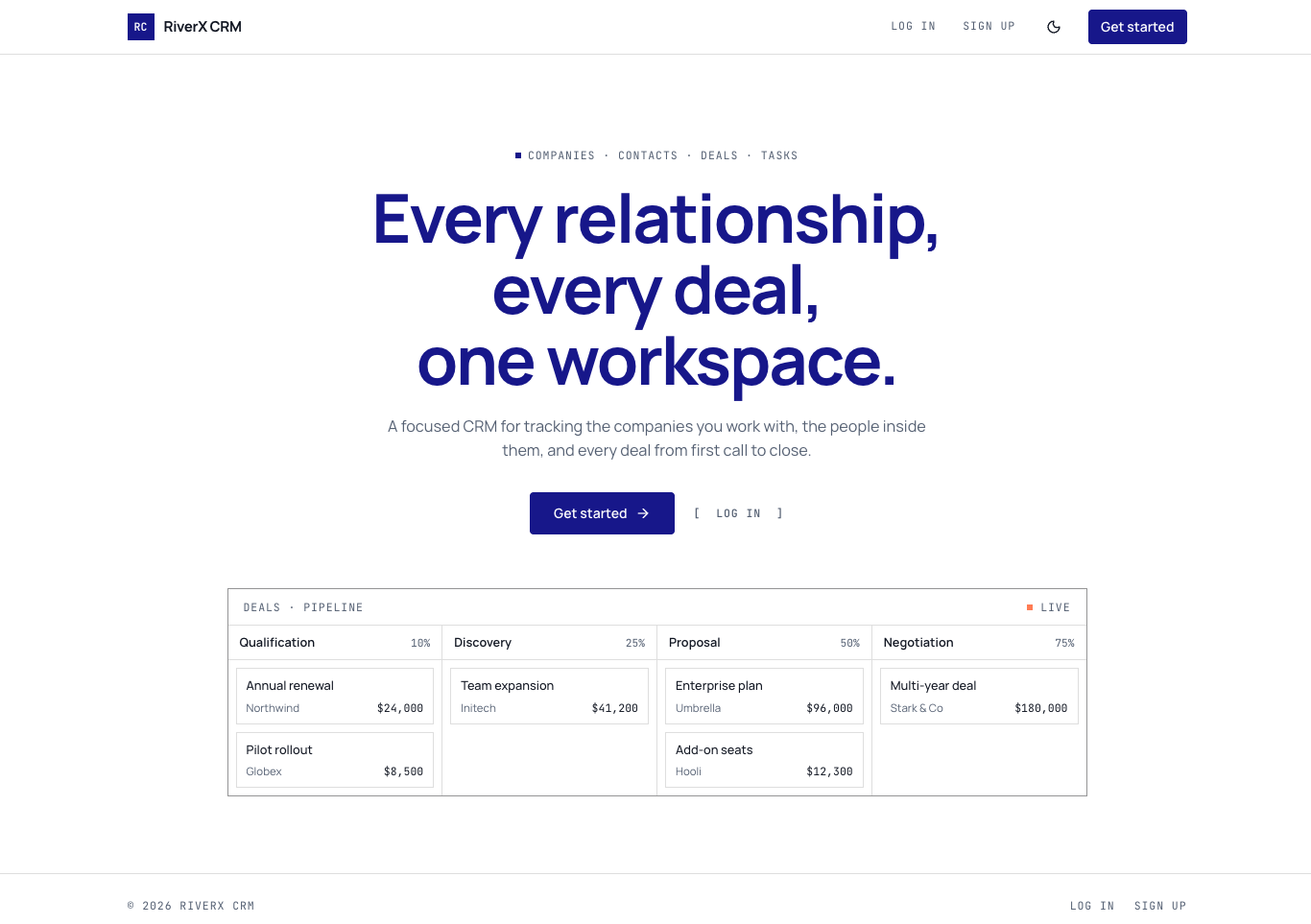
A sales CRM with a dashboard, a deal board you move by stage, and linked records for companies, contacts, calls, notes and tasks.
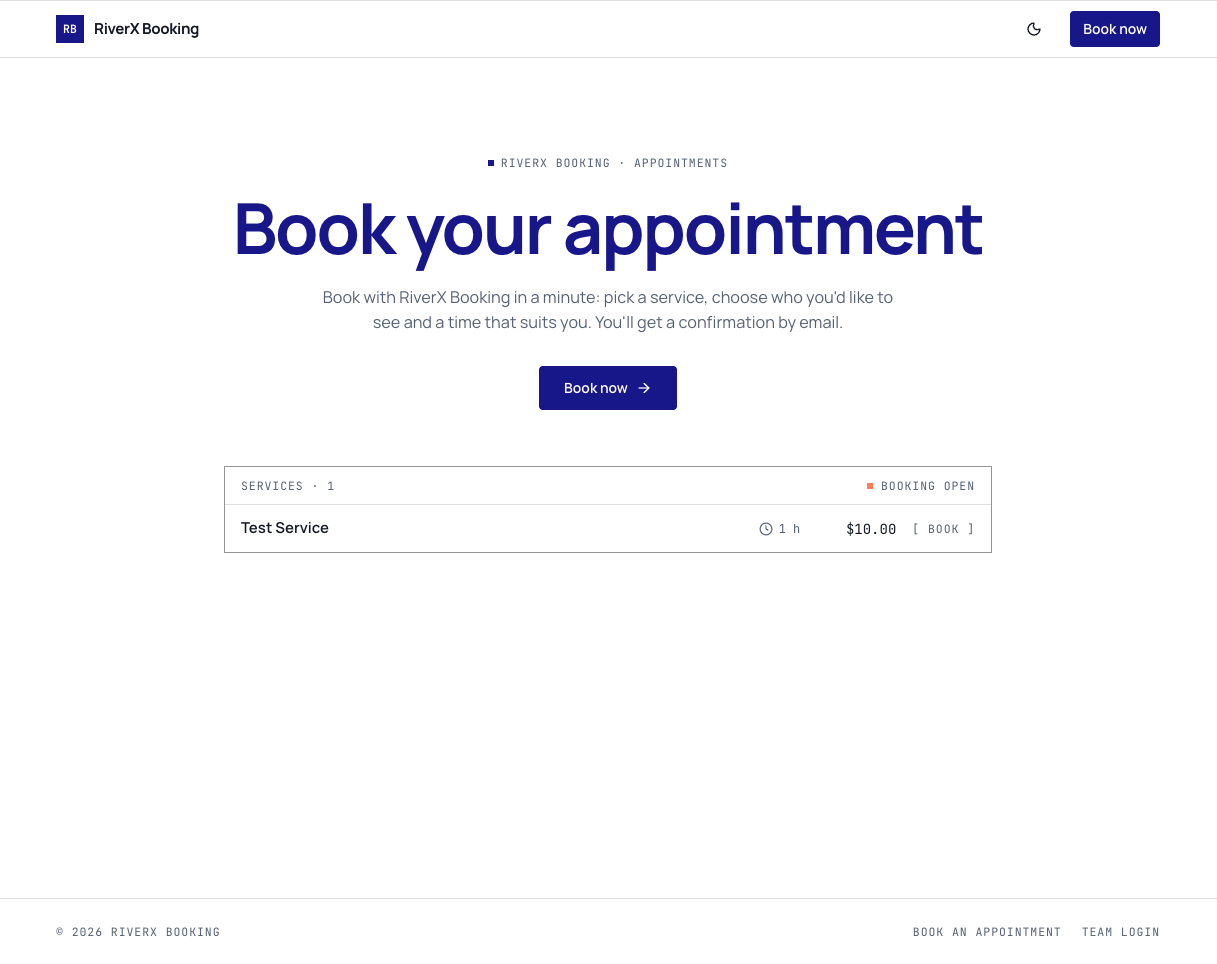
Appointment booking app where customers pick a service, a staff member, a date and a time, with a confirmation email and a dashboard to run it all.
Open it in the editor, describe your changes in plain English, and publish when it looks right.